Local email testing, done right
Catch every email before it ever leaves your app.
MailMock is a lightweight SMTP server that intercepts outgoing mail so you can test, preview and debug — without touching a real inbox.
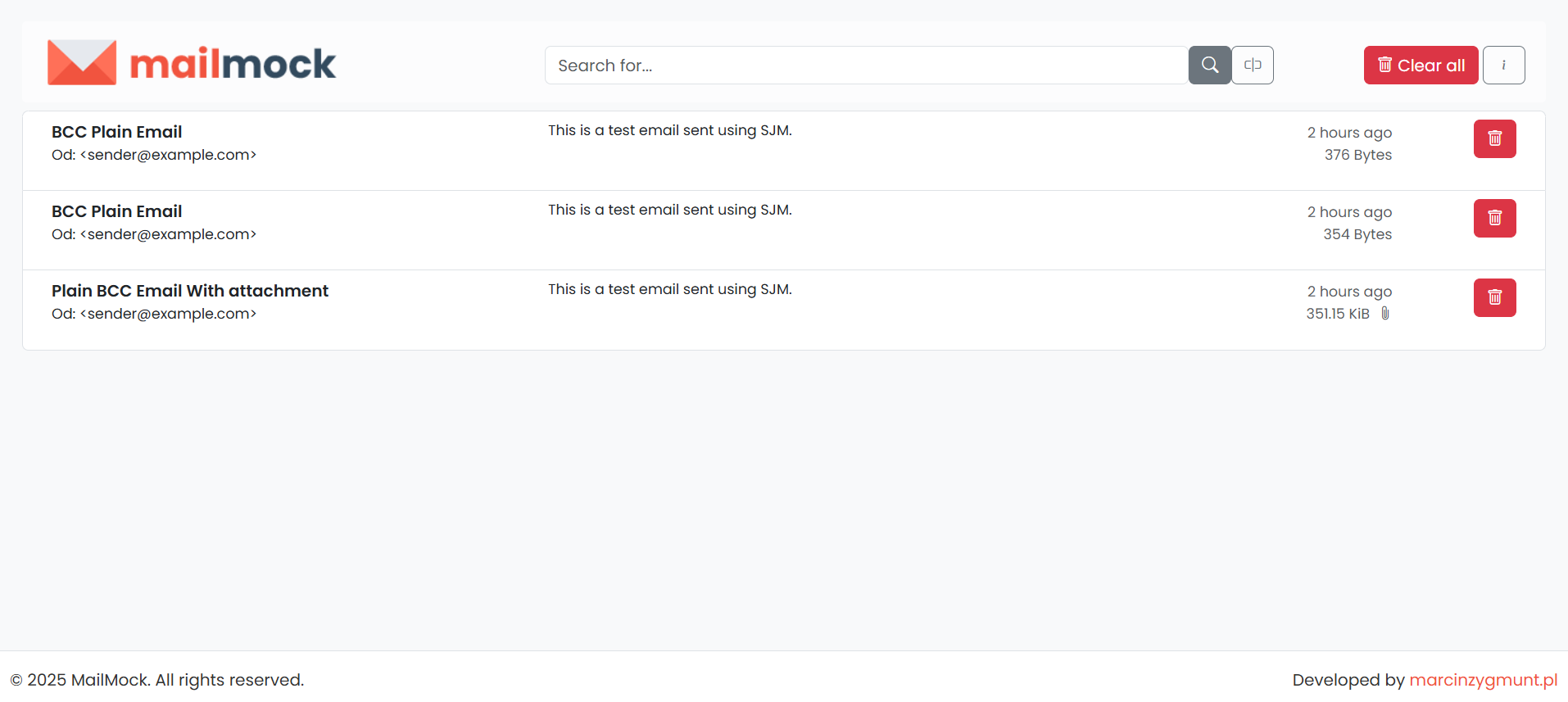
MailMock is a lightweight SMTP server that intercepts outgoing mail so you can test, preview and debug — without touching a real inbox.
A complete mock mailbox for developers — capture, inspect, analyze and stress-test your outgoing messages.
Accept mail on a plain SMTP port and capture it — nothing is ever delivered to real recipients.
Every message is scored for spam (0–100), checked for spoofing, scanned for viruses and checked for email client compatibility — with optional ClamAV & Rspamd.
Instantly find messages by subject, sender, recipient or body content with live filtering.
Render the original email in a sandboxed iframe — scripts disabled and remote resources blocked, so untrusted mail can't run code.
New mail appears instantly over WebSocket — a toast pops up and the inbox refreshes automatically.
Download every attachment, inspect the raw message source, or save the original as an .eml file to verify your email end to end.
Read, search, mark read/unread, download and delete messages via a JSON API, with interactive Swagger UI docs.
Inject random SMTP errors to test how your app handles an unreliable mail server — toggle it at runtime.
Run zero-setup in-memory storage, or switch to MongoDB for persistence across restarts — capped by a configurable limit.
Recent improvements shipped to MailMock.
MailMock 1.0 is the first stable release: SMTP capture, the web UI and REST API, chaos mode, mail analysis (spam, spoofing, virus and email client compatibility), the Source view and .eml download. It also hardens the engine. MESSAGES_LIMIT is now enforced when many clients send at once (before, the store could creep above it), and message lists and live updates are two to three times faster for large messages.
The Analysis tab has a fourth dimension: MailMock compares the HTML of a message with Can I email data and lists the elements, attributes and CSS that Gmail, Outlook, Apple Mail and other clients don't support. Choose the clients to check with ANALYSIS_HTMLCOMPAT_CLIENTS.
The new Source tab shows a message exactly as it arrived over SMTP, and Download .eml saves it as a file for any mail client (both are in the REST API too). Set MAX_MESSAGE_SIZE (default 10MB) to cap what the SMTP server accepts; anything bigger is rejected with a 552 reply. File names from untrusted senders can no longer tamper with the download header, attachments without a name get a sensible one, and an unknown message id returns 404 instead of a server error.
Every captured message now gets a spam score (0–100), a spoofing verdict from header heuristics, and a virus check on attachments — visible in the new Analysis tab and the REST API.
Optionally back the analysis with real ClamAV virus scanning and Rspamd spam scoring; MailMock falls back to the built-in analyzers when they're unavailable.
New messages now stream to the UI over WebSocket, with a toast notification and automatic list refresh — no manual reload.
MailMock can now simulate random SMTP errors so you can test edge cases and failure handling.
Set a configurable message limit — when it's reached, the oldest messages are removed automatically to keep your workspace clean and fast.
Added full dark mode support for email previews across all devices.
Major speed improvements in email iframe loading and rendering.
Point any SMTP client at our public server and watch your message land in the inbox instantly.
Send an email with your favorite SMTP client — no signup needed.
Quick start, sending & viewing mail, the REST API, mail analysis, configuration and self-hosting — all in one place.
Spin up your local email testing environment in a single command.
$ docker pull justmediapl/mailmock
MailMock is free to use. If it saves you time, a small donation helps cover hosting costs and keeps the project going.